Understanding FPV Video Frequencies and Avoiding Interference
Stop Flying Blind: Make Sense of 5.8GHz
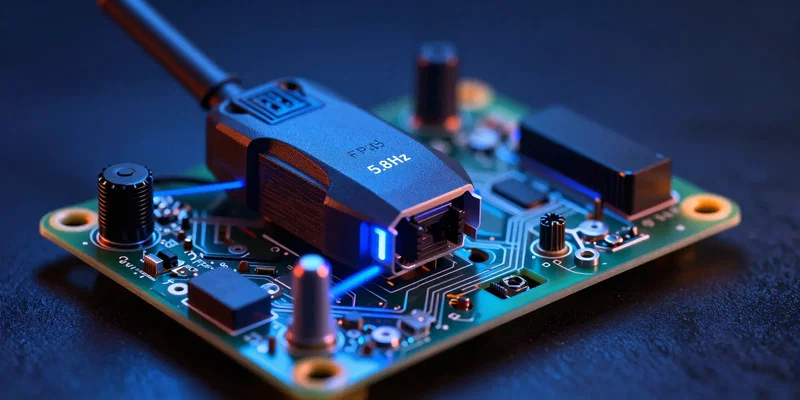
You strap on your goggles. Propellers spin up. Then? Static. Pure, terrifying static. Let's fix that. Most FPV drones run their video feeds on the 5.8GHz frequency band. Think of it as a massive invisible highway strictly for video signals. But here's the thing. If you don't know how to navigate it, you're going to crash. Hard. FPV frequencies aren't magic. They're just radio waves. And understanding them is your first line of defense against turning your quad into expensive lawn art.
Bands and Drone Channels: Pick Your Lane

That 5.8GHz highway? It’s split into lanes. We call them bands and drone channels. Raceband is the absolute standard for a reason. It perfectly spaces out eight distinct channels so you and your buddies don't stomp on each other's video feeds. If you power up on the exact same channel as the guy flying next to you, you'll blast his feed out of the sky. Instantly. Always check what lane is open before you plug in your battery.
The Ugly Truth About Video Interference
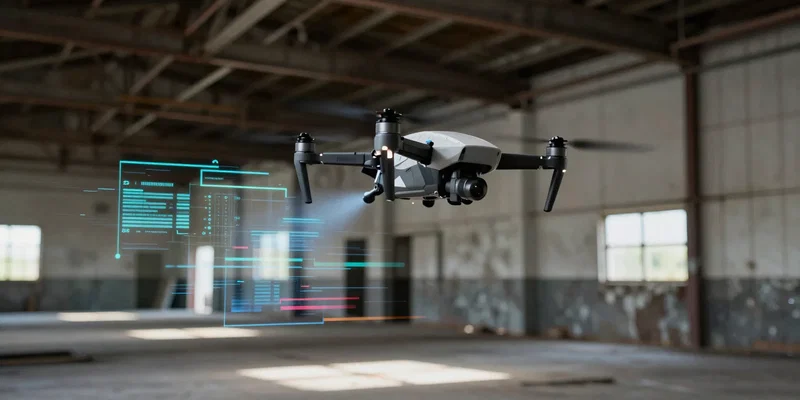
Trees. Concrete walls. That random Wi-Fi router in the park. They all hate your signal. Video interference usually happens for two reasons. You're flying behind something dense, or your signal is bouncing off a hard surface and arriving at your goggles a split second late. We call that multipathing. It looks like aggressive static rolling down your screen. The fix? Keep your drone in direct line of sight whenever possible. Radio waves don't punch through thick brick walls. They just don't.
Antennas: Your Secret Weapon for a Clear FPV Feed
Pumping up your transmitter power won't save you if your antennas suck. Actually, running 800mW on a garbage antenna just creates more noise. You need the right tools for a clear FPV feed. Grab an omnidirectional antenna to catch signals all around your head. Slap a directional patch antenna on the other side of your goggles to penetrate straight ahead. And make sure the polarization matches. Left-hand circular polarization (LHCP) on the quad means LHCP on the goggles. Mix them up, and your range drops by half.
Don't Be That Guy: Pit Etiquette and Channel Scanning
Nothing ruins a track day faster than a rogue plug-in. Before you even touch your battery strap, use your goggles to scan the spectrum. See static? The channel is clear. See a faint ghost image of someone else's flight? Stay off it. Better yet, just talk to the people around you. Call out your channel before powering up. It takes two seconds. It prevents mid-air blackouts. It keeps everyone flying instead of hiking through the brush looking for a downed quad.