Troubleshooting Common First-Time Drone Build Issues
So, Your Drone Won't Arm
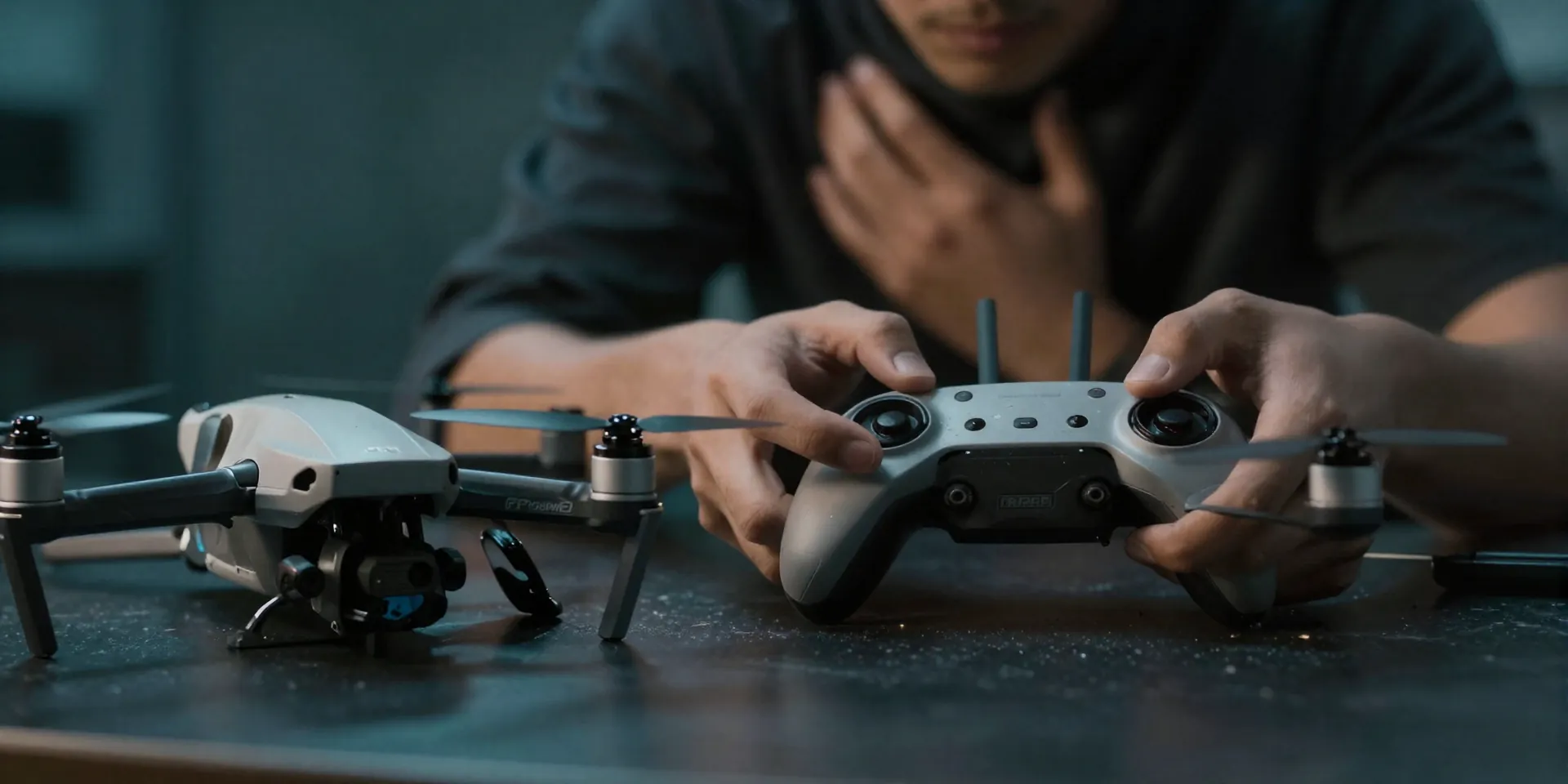
You built it. You plugged in the battery. You flipped the switch. Nothing. A drone wont arm on your first try? Completely normal. Don't panic and definitely don't start ripping wires out just yet. Actually, the most common reason is dead simple. Your throttle isn't at absolute zero. Or maybe Betaflight is throwing a tantrum with a hidden arming flag. Plug that thing into your computer, open the OSD tab, and look for warnings. Nine times out of ten, it’s a tiny software checkbox you forgot to click.
The Instant Death Flip
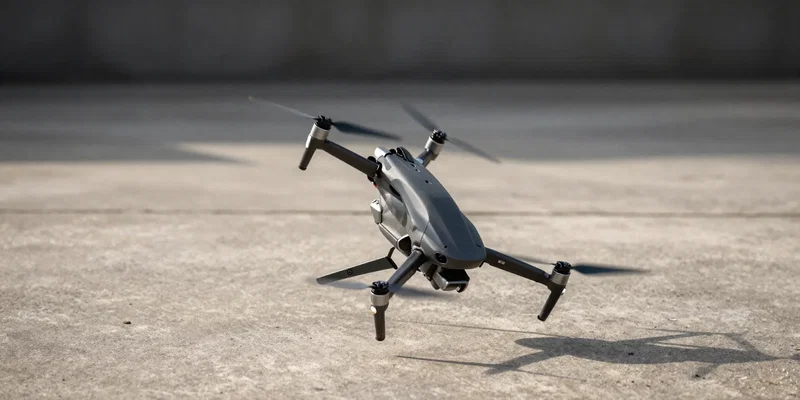
You give it a little juice and it immediately backflips into the concrete. Awesome. Propellers shattered. Ego bruised. This is classic FPV troubleshooting 101. Your motors are spinning the wrong way. Or worse, you put the props on backward. It happens to the best of us. Check your motor mapping in Betaflight. Make sure motor 1 is actually motor 1. Then double-check your prop directions. If you skip this, you’re just building a very expensive, very fast lawnmower.
Avoiding the Magic Smoke
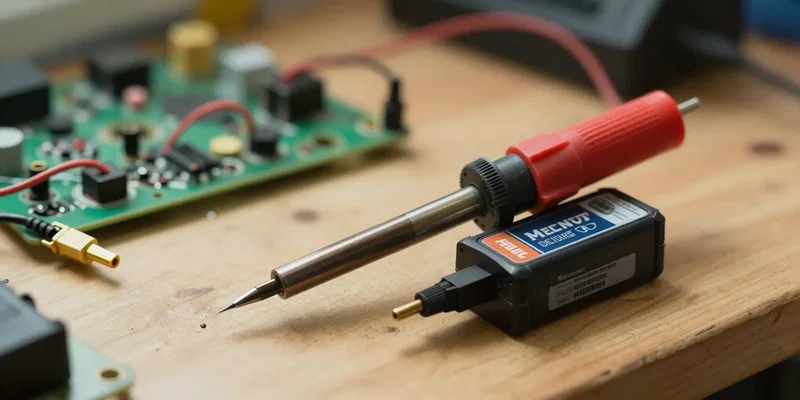
Let's talk about the dreaded magic smoke. If you fry your flight controller on the first plug-in, that's a bad day. A real DIY drone fix starts with prevention. Buy a smoke stopper. Seriously. It’s a ten-dollar part that catches short circuits before they nuke your hundred-dollar electronics. If the light goes red, you messed up a solder joint. Find the bridged pad, clean it up, and try again. No smoke stopper? You're playing Russian roulette with a LiPo battery.
The VTX Black Screen of Sadness
Goggles on. Battery plugged in. Pure static. Or just a pitch-black screen. These beginner build problems usually come down to two ridiculous mistakes. First, take the lens cap off your camera. Yeah, I said it. Second, check your wiring. VTX systems pull a lot of power and those tiny wires love to snap at the solder joint. If the wiring is solid, you’re probably on the wrong channel. Stop guessing and auto-scanning. Look up the frequency table for your video transmitter and lock it in manually.
The Flyaway Failsafe
Imagine hitting the throttle and your quad just rockets into the stratosphere, totally ignoring your radio. Terrifying. That’s what happens when you ignore failsafe settings. Before you ever put props on, turn on your radio, arm the drone, spin up the motors, and then turn your radio off. The motors should stop instantly. If they don't, your quad will literally fly away to another zip code the second you lose signal. Fix it in the receiver tab. Right now.