Overcoming FPV Motion Sickness as a New Pilot
The Sweaty Palms and Spinning Room Reality

So you just strapped on your first pair of goggles, slammed the throttle, and five seconds later you want to throw up. Welcome to the club. FPV motion sickness is a brutal rite of passage. Your eyes think you're pulling 5Gs in a fighter jet. Your inner ear knows you're just sitting on a folding chair in the park. That sensory mismatch is exactly what causes VR nausea. But don't sell your gear just yet. You can train your brain to ignore it.
Drop Your Camera Angle Immediately
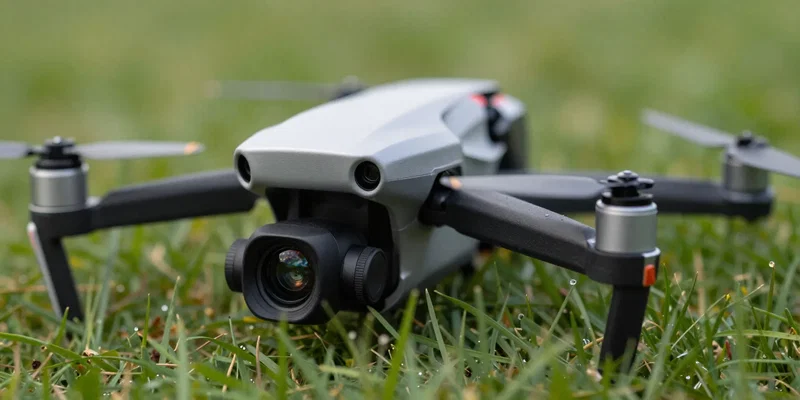
Most rookies make the exact same mistake. They watch a pro pilot's YouTube video, crank their camera angle up to 45 degrees, and try to rip. Bad idea. High camera angles force you to fly fast just to keep the horizon in view. Speed equals a dizzy flying drone experience. Drop that angle down to 10 or 15 degrees. Seriously. It slows everything down. You'll actually see where you're going without your brain doing backflips.
Sit Down Before You Fall Down
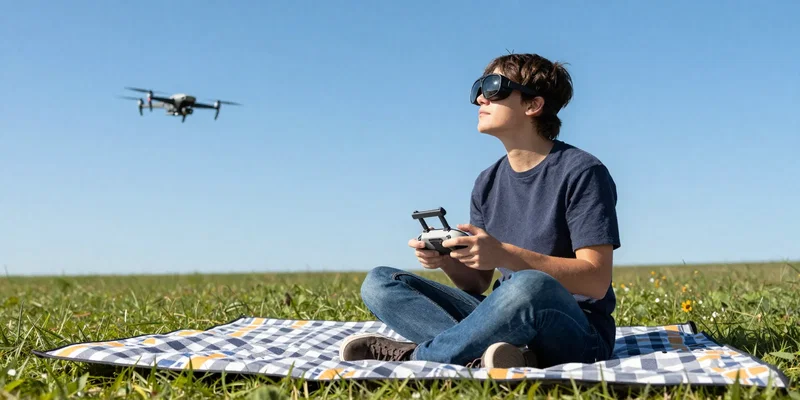
I see guys trying to stand up during their first FPV flights. They sway like zombies. Sometimes they actually tip over. Here's the thing. When you stand, your brain relies heavily on visual cues to keep your balance. Take those away, replace them with a rolling camera feed, and boom. Instant vertigo. Sit on the ground. Grab a lawn chair. Lean against a tree. Give your body a solid physical anchor so it knows it isn't falling out of the sky.
The Five-Minute Golden Rule
You want to push through the nausea. I get it. You paid good money for those batteries. Don't do it. If you try to tough it out, your brain will permanently associate the smell of drone plastic with feeling sick. Keep your first flights under five minutes. The absolute second you feel that weird heat in the back of your neck or a slight stomach churn? Stop. Take the goggles off. Look at real, stationary trees. Build up your tolerance slowly.
Abuse the Simulator Before the Real World
Actually, your best tool for beating motion sickness doesn't even require leaving the house. Simulators are cheap. Drone repairs are not. Boot up a sim on a normal monitor first. Get used to the stick movements without the fully immersive goggles. Once you can fly a virtual pack without feeling weird, try playing the sim while wearing your goggles using HDMI in. It’s the perfect stepping stone. Safe, controlled, and vomit-free.