How to Eliminate Jello and Vibrations from FPV Video
The Jello Effect is Ruining Your Shots
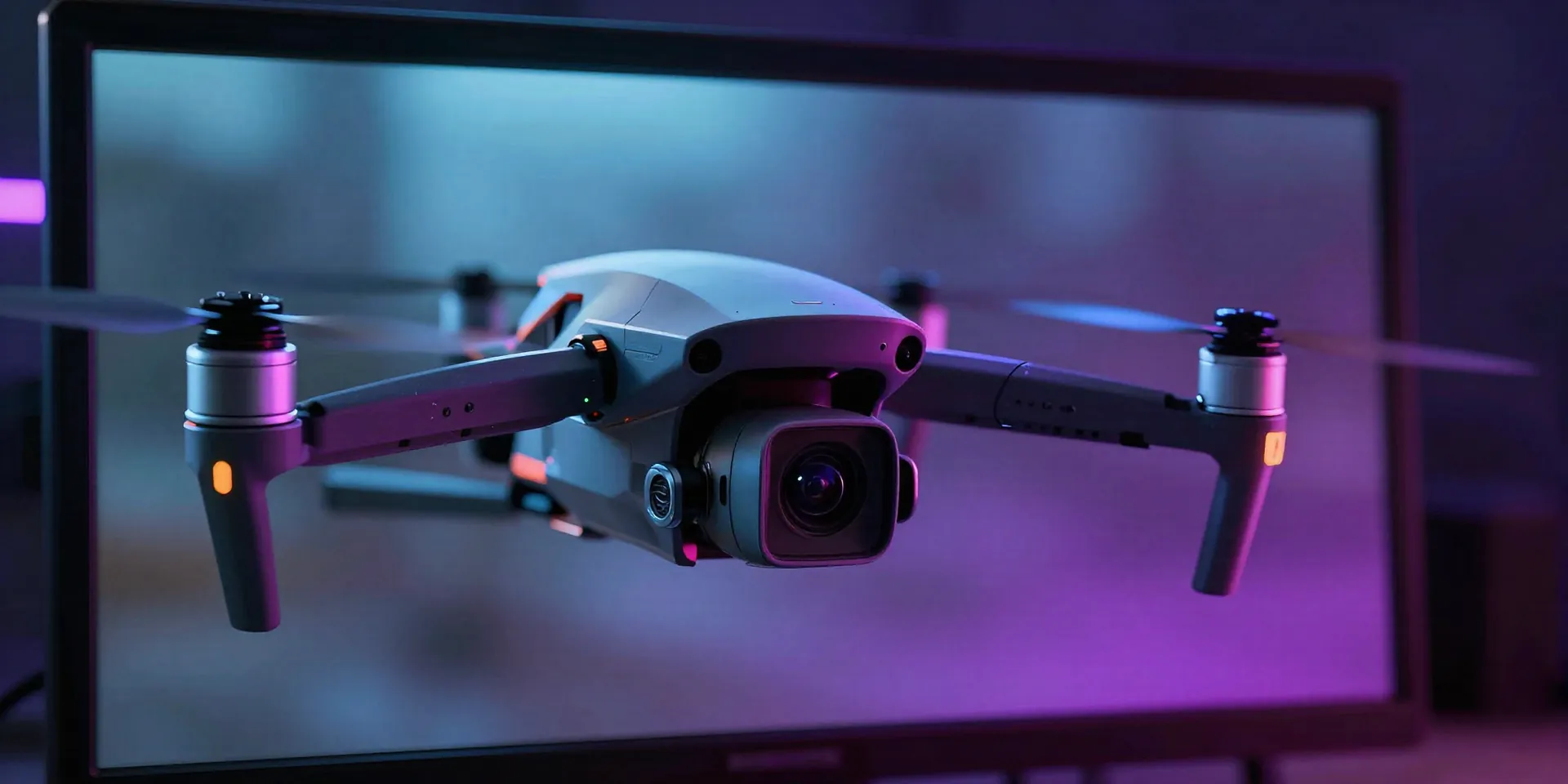
Let's be real. You spent hours building that quad, hiked up a mountain, and nailed the perfect dive. You get home, pull the SD card, and... the footage looks like it was filmed through a bowl of lime Jell-O. Yeah. We've all been there. That wavy, gross distortion happens when high-frequency vibrations from your quad hit the rolling shutter of your action cam. If you want clean aerial footage, we need to kill those vibes before they reach the lens.
Stop Blaming Your Camera. Look at Your Props.
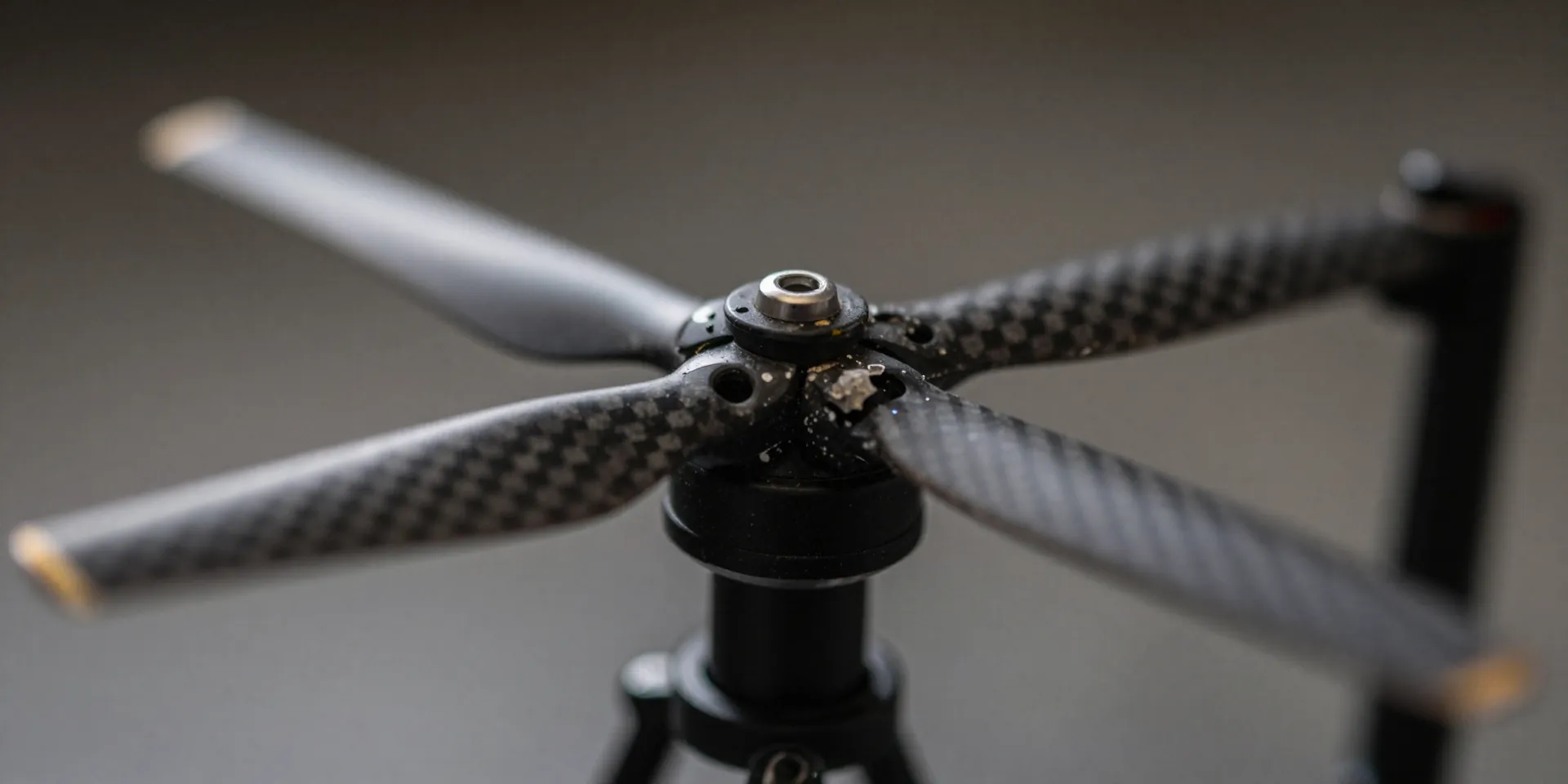
First things first. Don't touch your camera settings yet. Actually, look at your propellers. A chipped or bent prop throws the whole motor off balance. That’s an instant vibration factory. Swap out those beat-up props for a fresh set. While you're at it, check your motor bells. If they wiggle or grind when you spin them by hand, the bearings are shot. You can't fix drone jello if the drone itself is violently shaking itself to death.
Soft Mounting Is Non-Negotiable
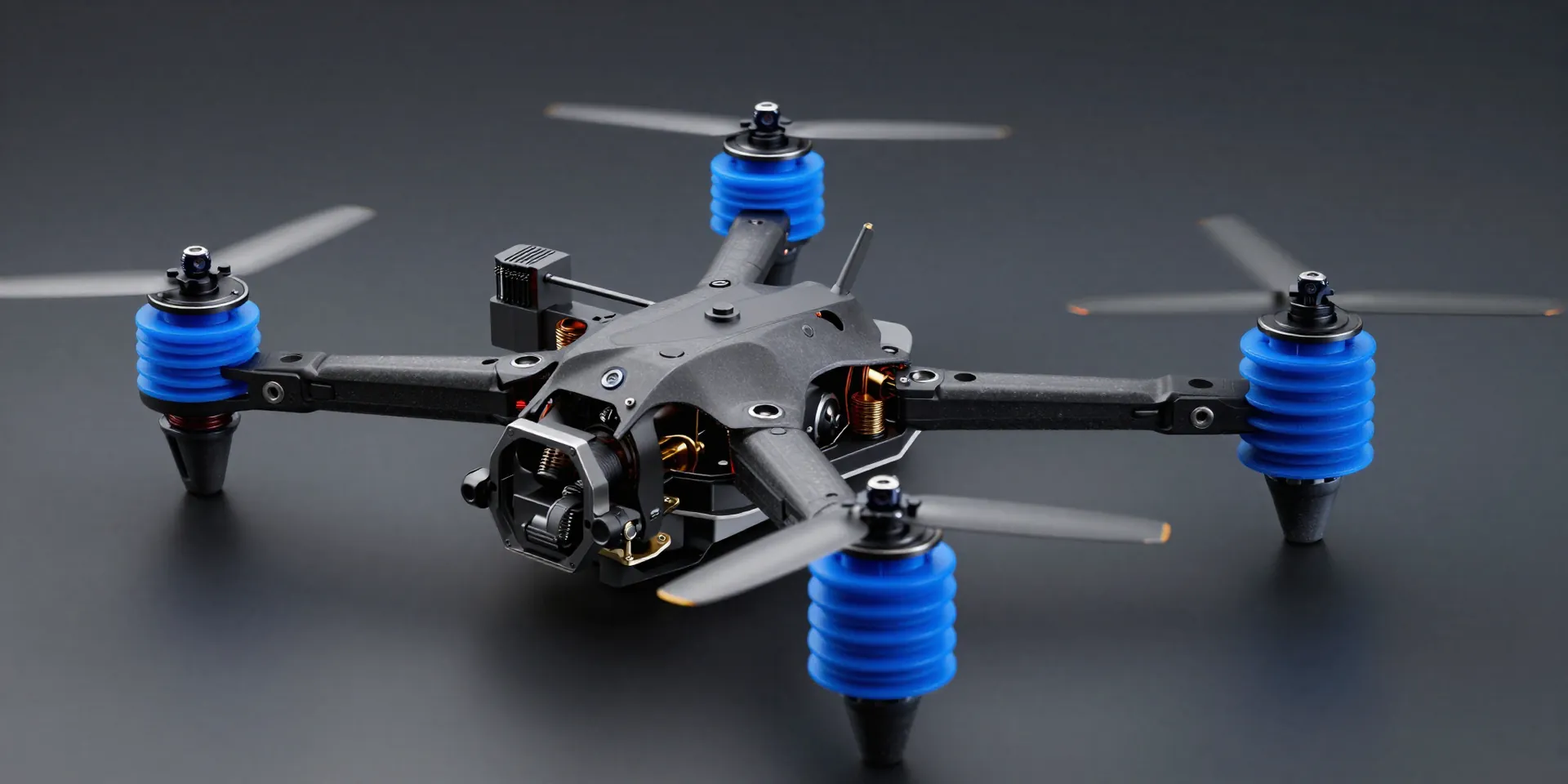
Here's the thing about carbon fiber. It's incredibly stiff. It transfers every single micro-vibration straight to your camera. You need a buffer. Vibration damping is basically putting tiny pillows between the angry spinning things and your delicate camera sensor. Use TPU mounts for your GoPro. Make sure your flight controller is sitting on silicone gummies. If you hard-mount everything, you’re asking for trash video.
ND Filters: Cheating Physics
Sometimes your rig is tuned, but you still get a tiny bit of high-speed flutter. Enter the ND filter. Think of it as sunglasses for your lens. By throwing an ND filter on, you force the camera to drop its shutter speed. This introduces a natural motion blur to the frame. That blur literally smears out the micro-vibrations, giving you that buttery smooth FPV video you see on Instagram. Stick to the 180-degree rule. It works.
The Post-Production Polish
So you fixed the hardware. Now we clean up the rest. Software stabilization is basically magic right now. Run that footage through Gyroflow or ReelSteady. These programs use the gyro data from your camera to counter-rotate against every tiny bump and shake in the flight. But remember, stabilization needs a clean canvas. It can't magically erase extreme rolling shutter distortion. Get the drone flying clean first, then let the software do the heavy lifting.