How to Balance Drone Propellers for Smoother Flight
Stop Filming Earthquakes: Why Propeller Balancing Matters
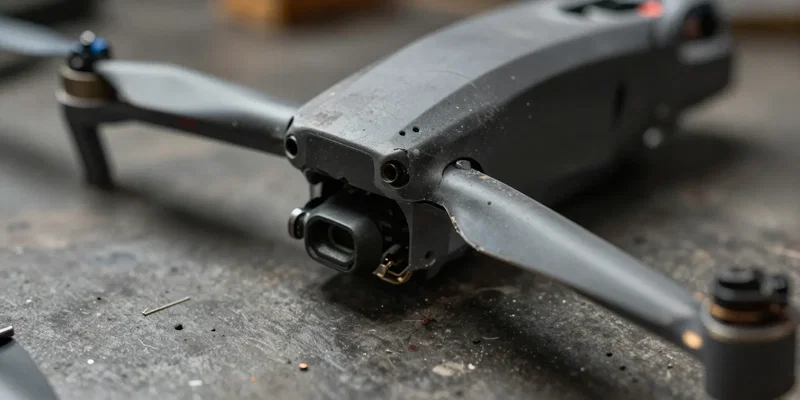
You just nailed the perfect dive. You pull the footage. It looks like it was shot from a paint shaker. That annoying vibration? We call it drone jello. It ruins your cinematic shots, burns through your battery life, and slowly tortures your motor bearings. But you don't need a massive upgrade to fix it. You just need balanced props. Seriously. It’s the cheapest trick in FPV maintenance.
The Dirt-Cheap Tools You Need for the Job
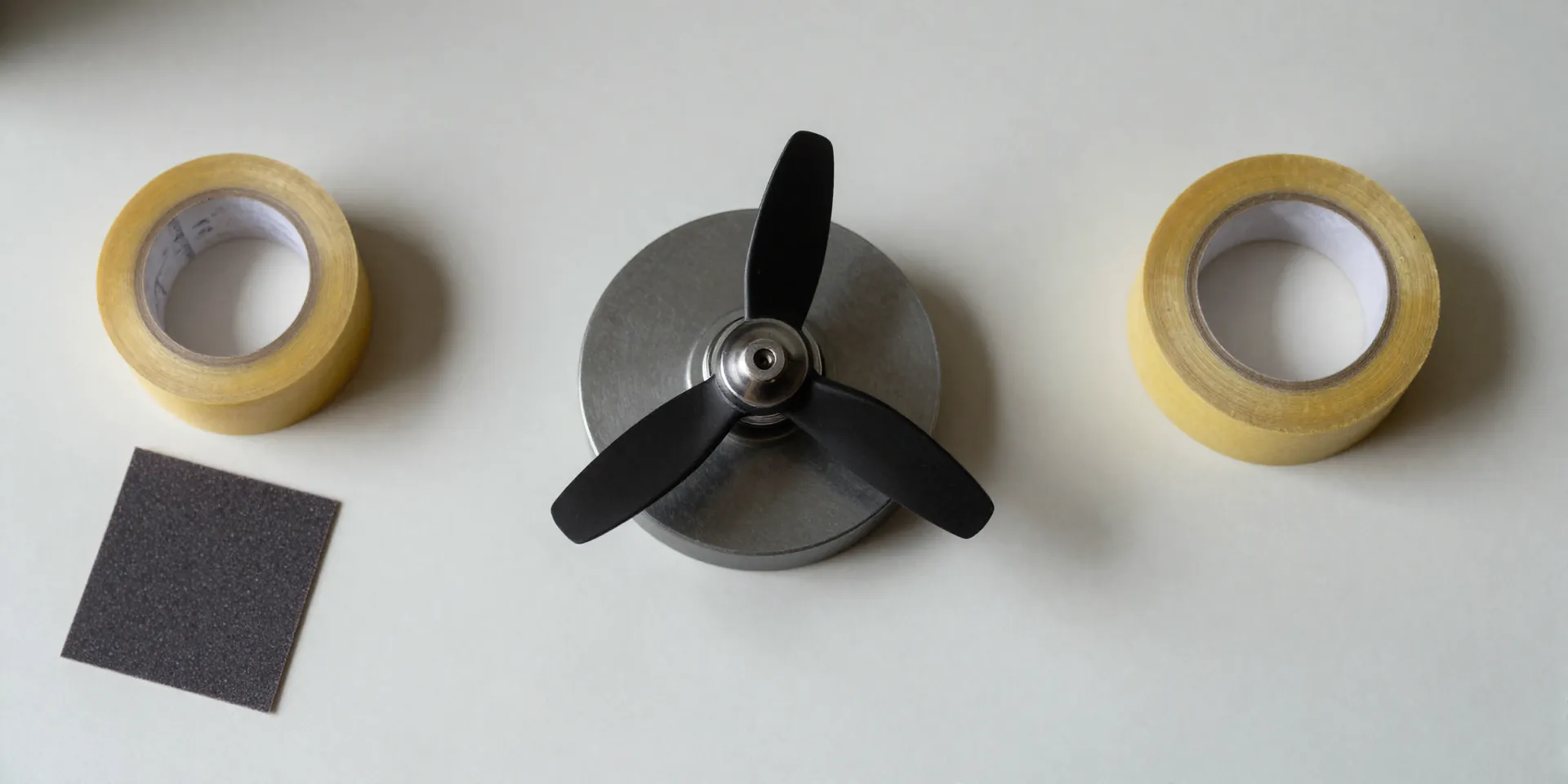
Don't overcomplicate this. You need a magnetic propeller balancer. They cost less than a decent lunch. Next, grab some fine sandpaper (400 grit works) or clear tape. That's it. Forget the fancy laser alignment tools. We are dealing with injection-molded plastic, not aerospace titanium.
Finding the Heavy Blade Without Losing Your Mind
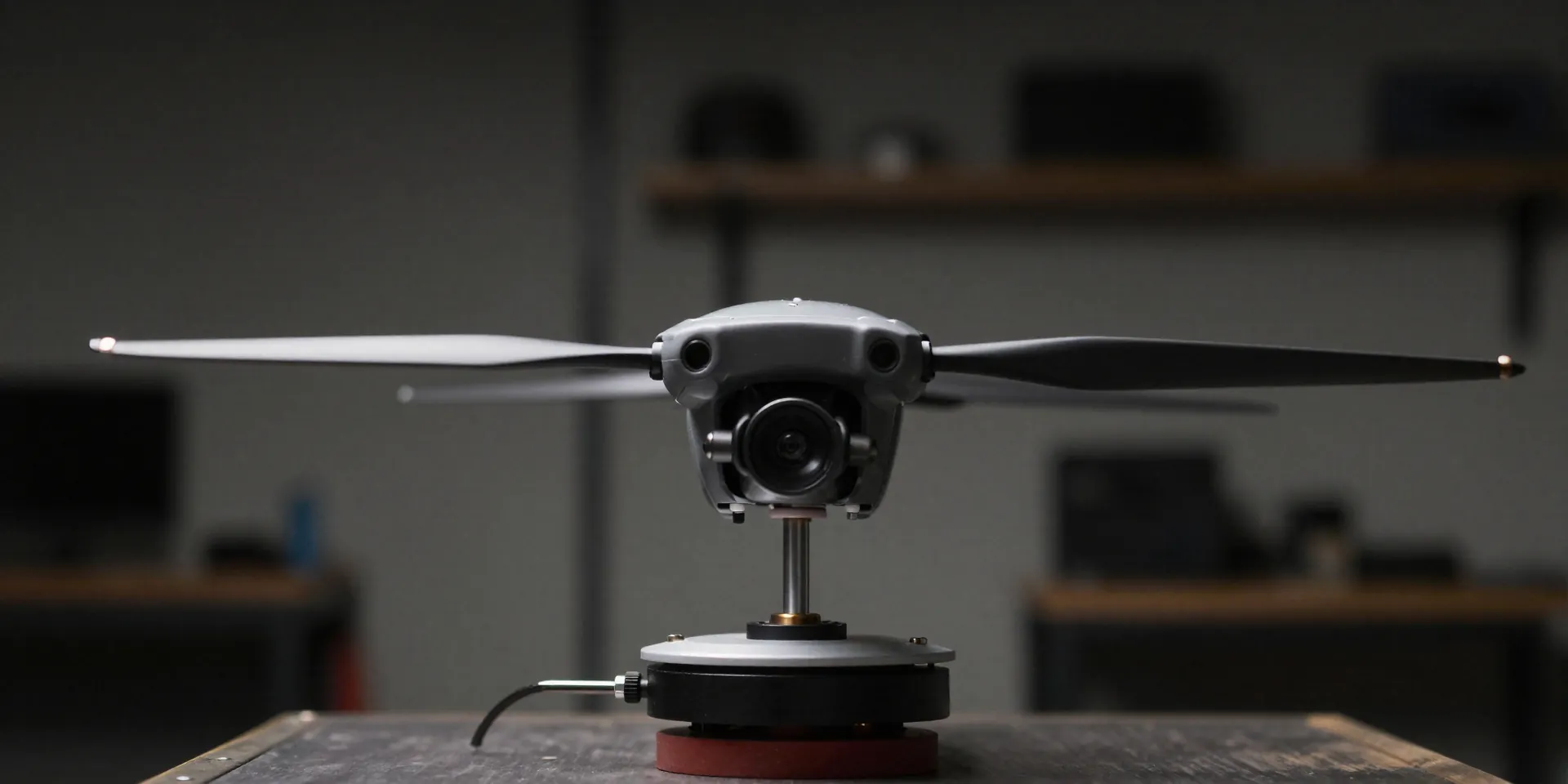
Slip the prop onto the balancer shaft. Suspend it between the magnets. Let go. One blade is going to drop toward the table. Every single time. That’s your heavy side. Factory fresh doesn't mean perfectly weighted. Even premium props have tiny manufacturing defects. Mark the heavy blade. Now you know exactly what you're up against.
To Sand or To Tape? The Great Balancing Debate
You have two options. Add weight to the light side, or remove weight from the heavy side. Adding tape to the underside of the light blade is foolproof. Just cut a tiny square. Too heavy now? Trim it. Prefer the permanent route? Take your sandpaper and gently stroke the top of the heavy blade. Do it lightly. Check the balance. Repeat. Sanding looks cleaner, but you can't undo it. Your call.
The Sweet Sound of a Smooth Drone Flight
Throw those balanced props back on your motors. Spin them up. You’ll hear the difference before you see it. The angry, rattling whine turns into a tight, even hum. Punch the throttle. Your HD footage? Butter smooth. You just managed to completely reduce drone jello with ten minutes of effort. Get into the habit of doing this every time you mount a fresh set.