Exporting and Formatting FPV Footage for Social Media
Stop Cropping Your 16:9 FPV Footage Blindly
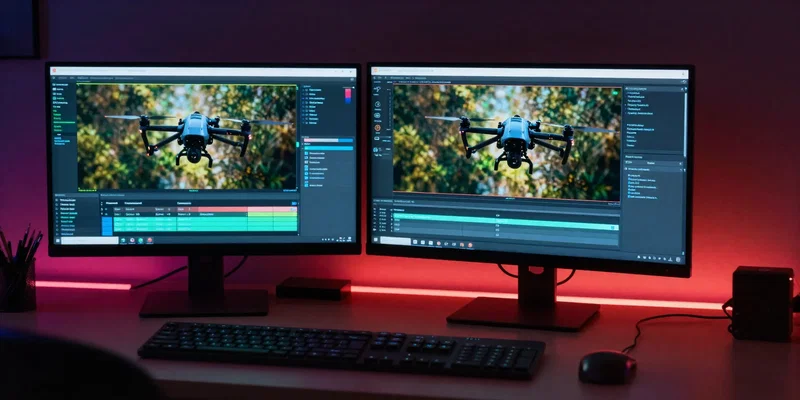
You just nailed the perfect gap. It looked incredible in your goggles. Then you threw it into Premiere, slapped a 9:16 sequence over it, and suddenly half the magic is gone. Look, FPV Instagram Reels demand vertical space, but blindly centering your crop is lazy. You need to reframe. Track your subject manually. If you flew a 5-inch quad through a tight bando, make sure the viewer actually feels the walls rushing past. Sometimes that means panning your crop keyframes left and right to follow the action. Don't let a static crop ruin a dynamic flight.
The TikTok Frame Rate Trap
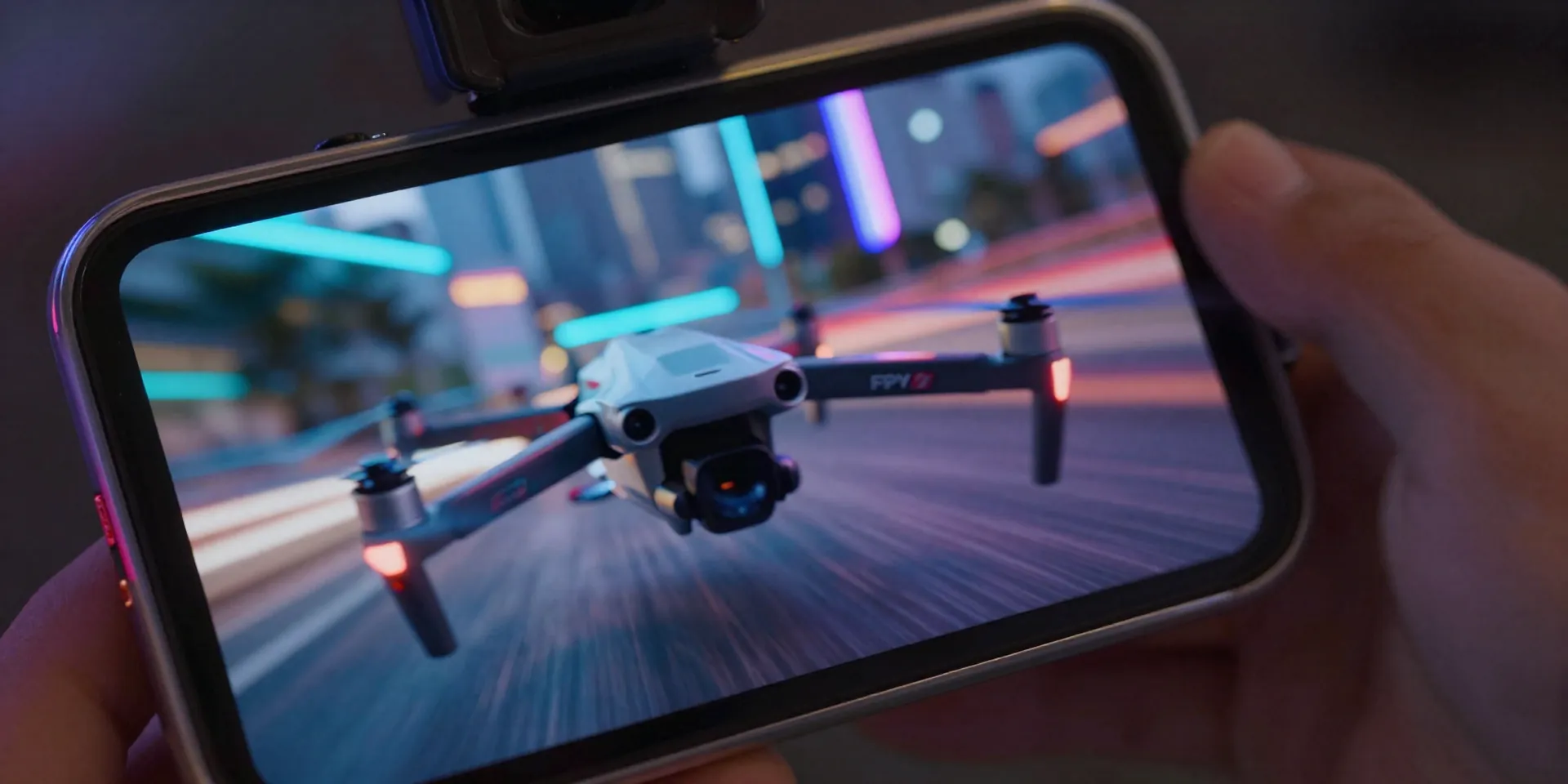
Everyone thinks 60fps is the holy grail. It's not. When you upload a 60fps TikTok drone video, the platform's compression algorithm absolutely butchers your footage. It turns into a pixelated, blocky mess. Here's a better approach. Shoot in 60fps so you have room to slow things down, but export your final timeline at 30fps. Or even 24fps if you want that true cinematic vibe. Add a little motion blur in post. Your fast proximity flights will look buttery smooth instead of looking like a glitched-out webcam from 2005.
Grade Like The Algorithm Hates You (Because It Does)
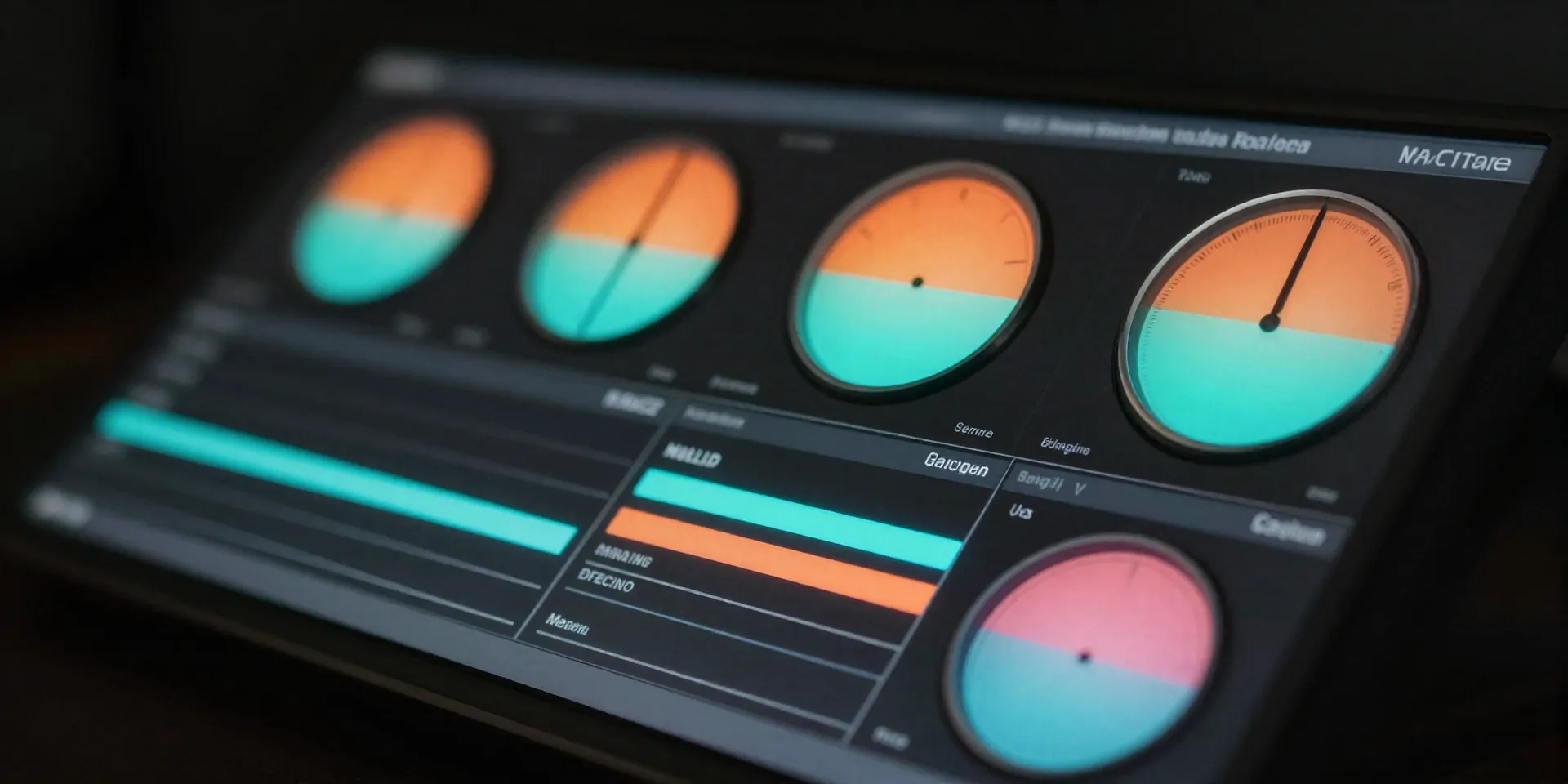
Social media compression destroys subtle color grading. That moody, low-contrast film look you spent three hours perfecting? Instagram will compress it into a muddy gray smudge. You have to fight back. Push your contrast just a little harder than feels natural. Add a tiny bump to your saturation before exporting cinematic footage. On mobile screens, you're competing with brightly lit memes and hyper-colored vlogs. Make your shadows deep and your highlights pop. Not blown out. Just aggressive enough to survive the upload.
The God-Tier Export Settings
Let's talk bitrate. The single most important factor for social media drones. Don't let your editing software auto-compress your life's work. Force your bitrate. Set your target to exactly 15 Mbps for 1080p footage. Wait, 1080p? Yes. Stop uploading raw 4K to Instagram. The app will compress a heavy 4K file so violently it ends up looking worse than a native 1080p upload. Render at 1080p, H.264, Maximum Render Quality checked. Keep the file clean, sharp, and lightweight enough to slip right past the compression bots.
Kill The Mosquito Noise
Raw FPV audio sounds like an angry weed whacker. Nobody wants to hear that while scrolling their feed on the toilet. Mute the raw track. Or drop it to 5% if you absolutely need that faint prop scream for realism. Replace it with actual sound design. Whooshes when you pass a tree. Deep bass drops on a power loop. If you're using a trending track, manually sync your rolls and flips to the kick drum. Visuals might hook the viewer, but audio is what actually tricks their brain into watching the video twice.